 SmoovPlay
New frames, live
An open-source AI model draws 1, 2 or 3 frames between each pair the game sends, so the motion keeps up with your 60, 90 or 120 Hz screen.
SmoovPlay streams your console to your PC, where your graphics card draws new frames between the ones the game sends, live. A 30 fps game plays at 60, 90 or up to 120 fps to match your screen, sharpened to fit it.
Console games often run at 30 fps, while your monitor can show 60, 90 or 120 pictures a second. SmoovPlay fills the gaps with frames drawn by AI from the real ones on either side, as you play.
An open-source AI model draws 1, 2 or 3 frames between each pair the game sends, so the motion keeps up with your 60, 90 or 120 Hz screen.
The 1080p stream is sharpened and scaled to your monitor by AMD FSR 1, in 0.1 ms, or NVIDIA RTX Video Super Resolution.
Press R to save the last 30 seconds to 5 minutes as an MP4, at the frame rate you see, with the game's sound. B saves a before & after video.
Restyle the picture as you play, from Golden hour to Noir, or stack your own effects and share them as a short code.
A PS5 streams over Remote Play, through the open-source chiaki-ng. An Xbox through its app, or any console through a capture card, are Experimental options.
Setup checks your PC, downloads the AI runtime from official sources and walks you through connecting your console: 10 to 20 minutes, once. New versions install in one click.
A minute of real play over PS5 Remote Play, saved by SmoovPlay's own before & after replay. Gotham Knights runs at 30 fps on PS5: left of the line is the game's own 30 fps, right of it is SmoovPlay at 90 fps.
Best on a screen at 90 Hz or more, with the sound on.
Most social sites play video at 60 fps or less, which hides the difference. The comparison page plays the 30 fps stream and SmoovPlay at their real frame rates, so you can flip between them on the same moment.
Experimental options work in testing with stand-ins for the real hardware. If you have one, your report helps the most.
| With | Status |
|---|---|
| PS5, over Remote Play | TestedThe recommended way. |
| NVIDIA GeForce RTX 30, 40 and 50 series | TestedOn an RTX 4070 Ti SUPER. RTX 20 cards and laptops aren't tested yet. |
| Xbox and other streaming apps, by capturing the app's window | ExperimentalTested with a stand-in window, not the Xbox app yet. |
| Any console over HDMI, through a capture card | ExperimentalTested with recordings standing in for a card. |
| HDR from a PS5 | ExperimentalTested with a stand-in HDR stream, not a real PS5 yet. |
| AMD Radeon and Intel Arc, through DirectML | ExperimentalThe same frames, about 1.7× more slowly. Not on a real card yet. |
Free for Windows 10 and 11. Setup takes 10 to 20 minutes, never asks for admin rights, and walks you through connecting your console.
Run SmoovPlay-Setup.exe. It isn't code-signed yet, so Windows may say "Windows protected your PC": click More info, then Run anyway. More on this
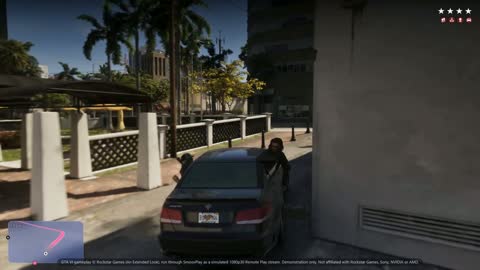 Drive and chase
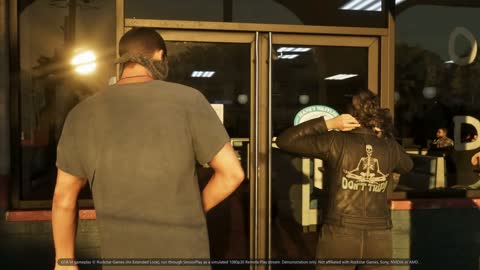 Masks on
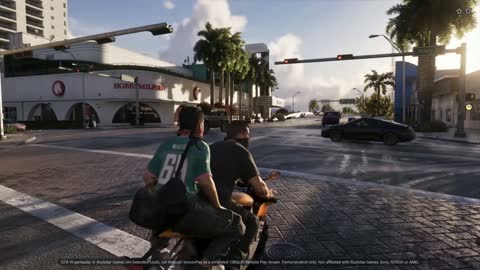 Bike ride
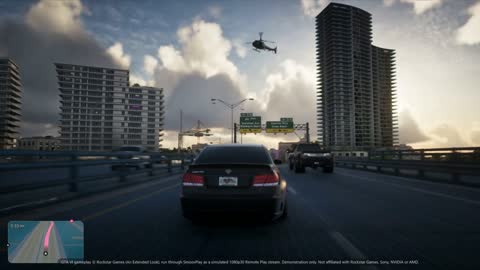 Downtown drive
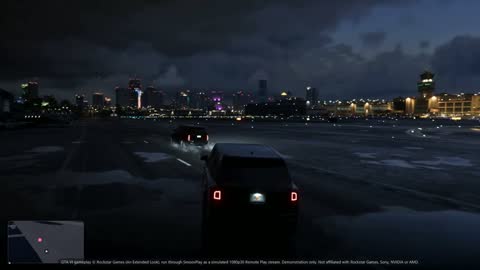 Night runway
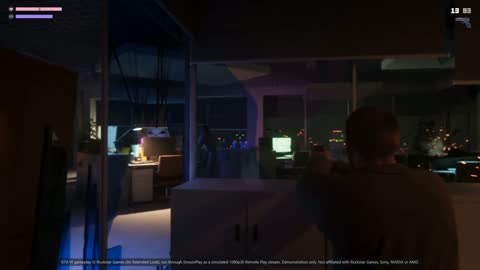 Hideout firefight